[OUTPUT] Name es Match * Host elasticsearch Port 9200 # 要配置 ES 用户密码才能同步数据 HTTP_User elastic HTTP_Passwd changeme Index fluentbit Type _doc Suppress_Type_Name On
# docker compose exec -it elasticsearch /usr/share/elasticsearch/bin/elasticsearch-reset-password -u elastic This tool will reset the password of the [elastic] user to an autogenerated value. The password will be printed in the console. Please confirm that you would like to continue [y/N]y Password for the [elastic] user successfully reset. New value: xf52=nGPAf3TBOIbMuKR
$ ssh-keygen Generating public/private rsa key pair. Enter file in which to save the key (/home/testuser/.ssh/id_rsa): Enter passphrase (empty for no passphrase): Enter same passphrase again: Your identification has been saved in /home/testuser/.ssh/id_rsa. Your public key has been saved in /home/testuser/.ssh/id_rsa.pub. The key fingerprint is: SHA256:Lzvl8GbOQETBVcTf8lf0Qk9KUQAESs9h8wARud+iQrk [email protected] The key's randomart image is: +---[RSA 2048]----+ | .BBB*=.o+.| | oo= =. o o| | o.o .+ *.| | .. = =| | .S. . +.| | o...+ . o| | . .o*.. .| | E o== | | ..=o | +----[SHA256]-----+
$ ssh-copy-id -p 30000 [email protected] /bin/ssh-copy-id: INFO: Source of key(s) to be installed: "/home/testuser/.ssh/id_rsa.pub" The authenticity of host '[172.31.30.115]:30000 ([172.31.30.115]:30000)' can't be established. ECDSA key fingerprint is SHA256:vKD5th2QpWYv/hmt+180BsENDHWNcJdKiEBOH06h/K8. ECDSA key fingerprint is MD5:bf:8c:b9:e6:31:92:1f:a9:b6:7b:8f:50:d7:10:9e:fd. Are you sure you want to continue connecting (yes/no)? yes /bin/ssh-copy-id: INFO: attempting to log in with the new key(s), to filter out any that are already installed /bin/ssh-copy-id: INFO: 1 key(s) remain to be installed -- if you are prompted now it is to install the new [email protected]'s password:
Number of key(s) added: 1
Now try logging into the machine, with: "ssh -p '30000' '[email protected]'" and check to make sure that only the key(s) you wanted were added.
在本地服务器上面验证可以免密登陆到目标服务器。
如果要配置双向免密,将以上步骤反过来操作一遍即可
常见配置
登录服务器,经常遇见以下提示信息,说明有主机一直在尝试暴力破解用户名密码
There were 696 failed login attempts since the last successful login.
AWS Managed Microsoft AD : AWS 托管的 Microsoft AD 域控服务。
Simple AD : 本质上是基于 Samba 4 的兼容方案
无论哪种 AD,都不支持直接通过 AWS 控制台管理,必须通过一台 Windows 管理机(EC2 或 WorkSpace)远程操作。
以下步骤以管理 Simple AD 为例提供参考步骤:
启动一台 Windows Server 实例(推荐)或一台现有的 WorkSpace。
确保这台机器已经加入到您的 Simple AD 域名下。方便起见最好是部署在 Directory 中 Workspace 云桌面,其已经在域中。
以管理员账户登陆并安装工具:
在服务器管理器中,点击 添加角色和功能 。
在 功能 列表中,勾选 组策略(Group Policy Management)管理工具 以及 远程服务器管理工具 (Remote Server Administration Tools,RSAT) -> 角色管理工具(Role Administration Tools) -> AD DS 和 AD LDS 工具 。
如果 Directory 配置了 禁用本地管理员设置 ,使用新部署的 Workspace 桌面会不具备管理员权限,无法安装工具。只需要有 域管理员账户密码即可解决 。在任务栏或开始菜单找到 Server Manager (服务器管理器) ,选择 Run as different user (以其他用户身份运行) 。
安装完成后,即可打开 Active Directory Users and Computers 工具查看 AD 域中的用户和计算机信息
创建 Prometheus Server 配置文件,如 /root/prometheus/prometheus.yml,内容如下 [1]
/data/prometheus/prometheus.yml
# my global config global: scrape_interval: 15s # Set the scrape interval to every 15 seconds. Default is every 1 minute. evaluation_interval: 15s # Evaluate rules every 15 seconds. The default is every 1 minute. # scrape_timeout is set to the global default (10s). # Alertmanager configuration alerting: alertmanagers: - static_configs: - targets: # - alertmanager:9093 # Load rules once and periodically evaluate them according to the global 'evaluation_interval'. rule_files: # - "first_rules.yml" # - "second_rules.yml" # A scrape configuration containing exactly one endpoint to scrape: # Here it's Prometheus itself. scrape_configs: # The job name is added as a label `job=<job_name>` to any timeseries scraped from this config. - job_name: 'prometheus'
# metrics_path defaults to '/metrics' # scheme defaults to 'http'.
static_configs: - targets: ['localhost:9090']
使用 Docker 启动时挂载此文件,作为 Prometheus Server 的配置文件,之后需要修改配置,可以直接修改此文件。
vless://<UID>@<SERVER IP>:<Port>?encryption=none&flow=xtls-rprx-vision&security=reality&sni=www.microsoft.com&fp=chrome&pbk=<Public Key or Password>&sid=a1b2c3d4#Shanghai_MS_Reality
大多数客户端都支持从粘贴板复制以上内容自动导入配置。
Windows 中使用 v2rayN 连接 xray server
v2rayN 版本: v7.18.0
Windows 下载 v2rayN ,将其解压后,运行程序 v2rayN.exe 即可打开程序。复制配置链接( vless://<UID>@<SERVER IP>:<Port>?encryption=none&flow=xtls-rprx-vision&security=reality&sni=www.microsoft.com&fp=chrome&pbk=<Public Key or Password>&sid=a1b2c3d4#Shanghai_MS_Reality ),在 v2rayN 主界面点击 Configuration -> Import Share Links from clipboard 即可自动导入配置
要验证 xray server 工作正常,可以在 v2rayN 客户端进行 延迟检测(Test real delay) 。右键要检测的 xray server 选择 Test real delay 如果能够获取到延迟数据,说明 xray 工作正常,如果未获取到延迟数据,可以登陆服务器,通过命令 docker logs 检查服务端日志
apiVersion:apps/v1 # Use a stateful setup to ensure that for a rolling update Pods are restarted with a rolling strategy one-by-one. # This prevents losing in-memory information stored redundantly in two Pods. kind:StatefulSet metadata: name:keycloak labels: app:keycloak spec: serviceName:keycloak-discovery # Run with one replica to save resources, or with two replicas to allow for rolling updates for configuration changes replicas:2 selector: matchLabels: app:keycloak template: metadata: labels: app:keycloak spec: containers: -name:keycloak image:quay.io/keycloak/keycloak:26.5.4 args: ["start"] env: # 初始管理员账户和密码 -name:KC_BOOTSTRAP_ADMIN_USERNAME value:"admin" -name:KC_BOOTSTRAP_ADMIN_PASSWORD value:"admin" # In a production environment, add a TLS certificate to Keycloak to either end-to-end encrypt the traffic between # the client or Keycloak, or to encrypt the traffic between your proxy and Keycloak. # Respect the proxy headers forwarded by the reverse proxy # In a production environment, verify which proxy type you are using, and restrict access to Keycloak # from other sources than your proxy if you continue to use proxy headers. -name:KC_PROXY_HEADERS value:"xforwarded" -name:KC_HTTP_ENABLED value:"true" # In this explorative setup, no strict hostname is set. # For production environments, set a hostname for a secure setup. -name:KC_HOSTNAME_STRICT value:"false" -name:KC_HEALTH_ENABLED value:"true" -name:'KC_CACHE' value:'ispn' # Passing the Pod's IP primary address to the JGroups clustering as this is required in IPv6 only setups -name:POD_IP valueFrom: fieldRef: fieldPath:status.podIP # Instruct JGroups which DNS hostname to use to discover other Keycloak nodes # Needs to be unique for each Keycloak cluster -name:KC_CACHE_EMBEDDED_NETWORK_BIND_ADDRESS value:'$(POD_IP)' -name:'KC_DB_URL_DATABASE' value:'keycloak' -name:'KC_DB_URL_HOST' value:'<RDS_endpoint>' -name:'KC_DB' value:'postgres' # In a production environment, use a secret to store username and password to the database -name:'KC_DB_PASSWORD' value:'<RDS_PASSWORD>' -name:'KC_DB_USERNAME' value:'<RDS_USERNAME>' ports: -name:http containerPort:8080 -name:jgroups containerPort:7800 -name:jgroups-fd containerPort:57800 startupProbe: httpGet: path:/health/started port:9000 periodSeconds:1 failureThreshold:600 readinessProbe: httpGet: path:/health/ready port:9000 periodSeconds:10 failureThreshold:3 livenessProbe: httpGet: path:/health/live port:9000 periodSeconds:10 failureThreshold:3 resources: limits: cpu:2000m memory:2000Mi requests: cpu:500m memory:1700Mi
--server-side 选项用于解决可能的报错: The CustomResourceDefinition "applicationsets.argoproj.io" is invalid: metadata.annotations: Too long: may not be more than 262144 bytes
要在安装 Chart 之前自定义配置,可以通过 YAML 配置自定义选项。 要想知道有哪些配置可用,可以使用命令 helm show values 查看
$ helm install vault hashicorp/vault --version 0.25.0 NAME: vault LAST DEPLOYED: Mon Jul 10 14:59:13 2023 NAMESPACE: default STATUS: deployed REVISION: 1 NOTES: Thank you for installing HashiCorp Vault!
Now that you have deployed Vault, you should look over the docs on using Vault with Kubernetes available here:
https://www.vaultproject.io/docs/
Your release is named vault. To learn more about the release, try: $ helm status vault $ helm get manifest vault $ helm install bitnami/mysql --generate-name NAME: mysql-1612624192 LAST DEPLOYED: Sat Feb 6 16:09:56 2021 NAMESPACE: default STATUS: deployed REVISION: 1 TEST SUITE: None NOTES: ...
查看 Chart 支持的自定义配置选项
## 先查看已安装的 Repo $ helm repo list NAME URL eks https://aws.github.io/eks-charts prometheus-community https://prometheus-community.github.io/helm-charts ## 查看目标 Repo 中有哪些 Charts $ helm search repo prometheus-community NAME CHART VERSION APP VERSION DESCRIPTION prometheus-community/alertmanager 1.33.1 v0.31.1 The Alertmanager handles alerts sent by client ... prometheus-community/alertmanager-snmp-notifier 2.1.0 v2.1.0 The SNMP Notifier handles alerts coming from Pr... prometheus-community/jiralert 1.8.2 v1.3.0 A Helm chart for Kubernetes to install jiralert prometheus-community/kube-prometheus-stack 82.1.0 v0.89.0 kube-prometheus-stack collects Kubernetes manif... prometheus-community/kube-state-metrics 7.1.0 2.18.0 Install kube-state-metrics to generate and expo... ## 查看目标 Chart 支持哪些自定义配置选项 $ helm show values prometheus-community/kube-prometheus-stack | more # Default values for kube-prometheus-stack. # This is a YAML-formatted file. # Declare variables to be passed into your templates. ## Provide a name in place of kube-prometheus-stack for `app:` labels ## nameOverride: "" ## Override the deployment namespace ## namespaceOverride: "" ## Provide a k8s version to auto dashboard import script example: kubeTargetVersionOverride: 1.26.6 ## kubeTargetVersionOverride: "" ## Allow kubeVersion to be overridden while creating the ingress ## kubeVersionOverride: "" ## Provide a name to substitute for the full names of resources ## fullnameOverride: "" ... defaultRules: create: true rules: alertmanager: true etcd: true configReloaders: true general: true k8sContainerCpuUsageSecondsTotal: true k8sContainerMemoryCache: true k8sContainerMemoryRss: true k8sContainerMemorySwap: true k8sContainerResource: true k8sContainerMemoryWorkingSetBytes: true k8sPodOwner: true kubeApiserverAvailability: true kubeApiserverBurnrate: true kubeApiserverHistogram: true kubeApiserverSlos: true kubeControllerManager: true kubelet: true kubeProxy: true kubePrometheusGeneral: true kubePrometheusNodeRecording: true kubernetesApps: true kubernetesResources: true kubernetesStorage: true kubernetesSystem: true kubeSchedulerAlerting: true kubeSchedulerRecording: true kubeStateMetrics: true network: true node: true nodeExporterAlerting: true nodeExporterRecording: true prometheus: true prometheusOperator: true windows: true ...
查看已经安装的 Release 使用了哪些自定义参数,可以使用命令 helm get values <release-name>
$ helm repo ls NAME URL rancher-stable https://releases.rancher.com/server-charts/stable jetstack https://charts.jetstack.io hashicorp https://helm.releases.hashicorp.com
查看已安装的 Repo 中可用的 Charts
$ helm search repo hashicorp/vault -l NAME CHART VERSION APP VERSION DESCRIPTION hashicorp/vault 0.25.0 1.14.0 Official HashiCorp Vault Chart hashicorp/vault 0.24.1 1.13.1 Official HashiCorp Vault Chart hashicorp/vault 0.24.0 1.13.1 Official HashiCorp Vault Chart hashicorp/vault 0.23.0 1.12.1 Official HashiCorp Vault Chart hashicorp/vault 0.22.1 1.12.0 Official HashiCorp Vault Chart hashicorp/vault 0.22.0 1.11.3 Official HashiCorp Vault Chart $ helm search repo NAME CHART VERSION APP VERSION DESCRIPTION prometheus-community/alertmanager 1.33.1 v0.31.1 The Alertmanager handles alerts sent by client ... prometheus-community/alertmanager-snmp-notifier 2.1.0 v2.1.0 The SNMP Notifier handles alerts coming from Pr... prometheus-community/jiralert 1.8.2 v1.3.0 A Helm chart for Kubernetes to install jiralert prometheus-community/kube-prometheus-stack 82.2.0 v0.89.0 kube-prometheus-stack collects Kubernetes manif... prometheus-community/kube-state-metrics 7.1.0 2.18.0 Install kube-state-metrics to generate and expo... prometheus-community/prom-label-proxy 0.17.2 v0.12.1 A proxy that enforces a given label in a given ... prometheus-community/prometheus 28.9.1 v3.9.1 Prometheus is a monitoring system and time seri... prometheus-community/prometheus-adapter 5.3.0 v0.12.0 A Helm chart for k8s prometheus adapter
$ helm search hub wordpress URL CHART VERSION APP VERSION DESCRIPTION https://hub.helm.sh/charts/bitnami/wordpress 7.6.7 5.2.4 Web publishing platform for building blogs and ... https://hub.helm.sh/charts/presslabs/wordpress-... v0.6.3 v0.6.3 Presslabs WordPress Operator Helm Chart https://hub.helm.sh/charts/presslabs/wordpress-... v0.7.1 v0.7.1 A Helm chart for deploying a WordPress site on ...
$ helm list -A NAME NAMESPACE REVISION UPDATED STATUS CHART APP VERSION aws-load-balancer-controller kube-system 1 2026-02-17 15:47:38.190164778 +0800 HKT deployed aws-load-balancer-controller-3.0.0 v3.0.0 eks-monitor monitoring 14 2026-02-21 02:23:09.462138692 +0000 UTC deployed kube-prometheus-stack-82.2.0 v0.89.0 $ helm status eks-monitor -n monitoring NAME: eks-monitor LAST DEPLOYED: Sat Feb 21 02:23:09 2026 NAMESPACE: monitoring STATUS: deployed REVISION: 14 TEST SUITE: None NOTES: kube-prometheus-stack has been installed. Check its status by running: kubectl --namespace monitoring get pods -l "release=eks-monitor"
Visit https://github.com/prometheus-operator/kube-prometheus for instructions on how to create & configure Alertmanager and Prometheus instances using the Operator. $ helm status aws-load-balancer-controller -n kube-system NAME: aws-load-balancer-controller LAST DEPLOYED: Tue Feb 17 15:47:38 2026 NAMESPACE: kube-system STATUS: deployed REVISION: 1 TEST SUITE: None NOTES: AWS Load Balancer controller installed!
查看 Chart 的具体信息
使用命令 helm show chart 或则 helm show all 查看 Chart 详细信息,里面包含了关于 Chart 配置的详细信息和结构。
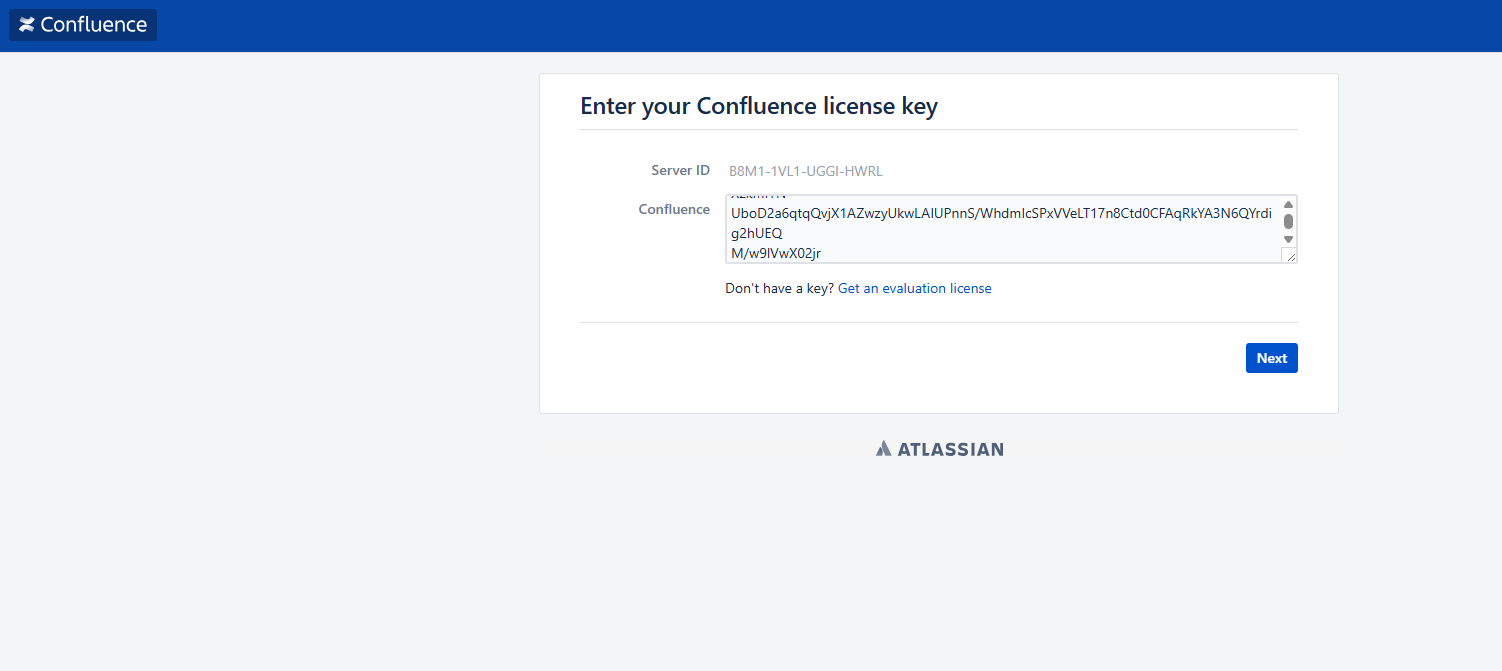
Confluence 的用户附件、索引、插件配置等都存储在 Home 目录下。进入旧服务器的映射目录,执行
tar -zcvf confluence_home_backup.tar.gz /path/to/old/confluence_home
将备份文件传输到新 Confluence 环境 Home 目录并解压
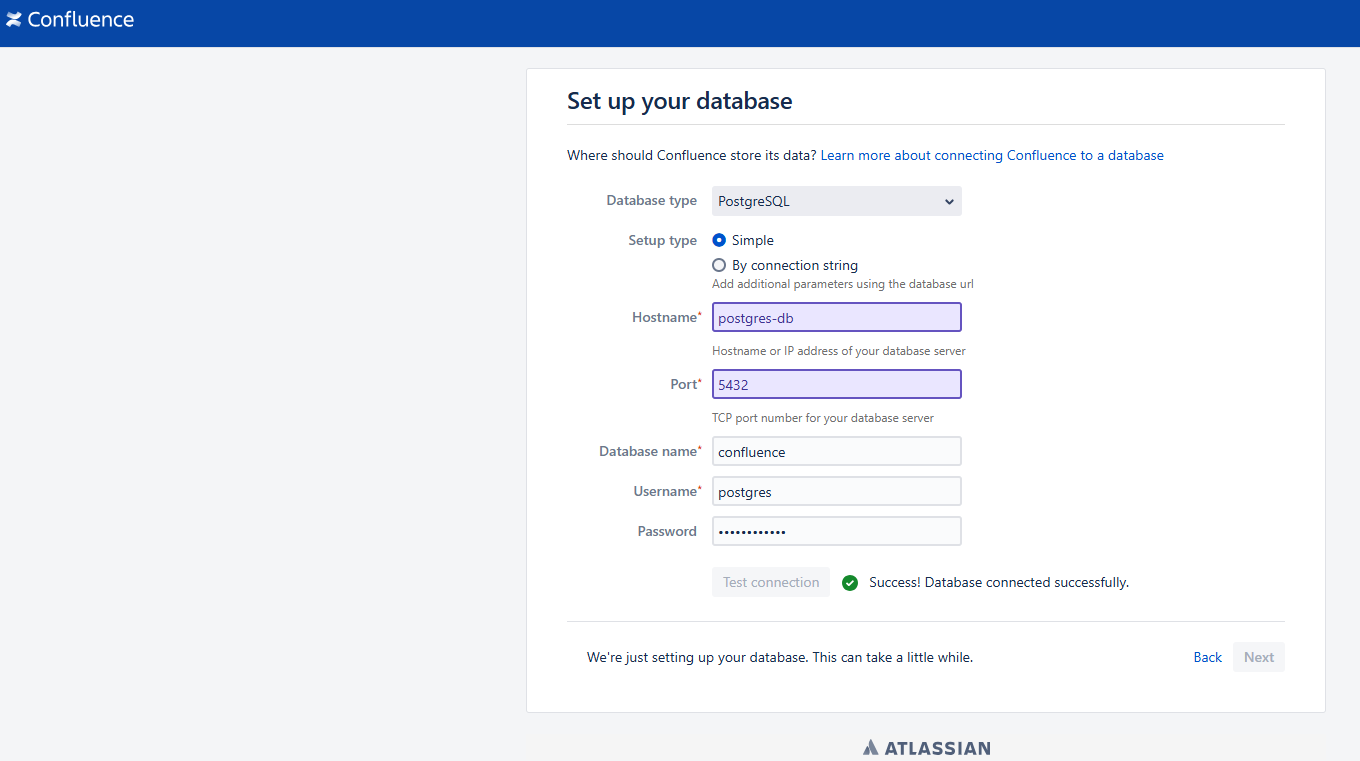
修改配置文件(如果数据库连接变了)
如果新环境的数据库 IP、端口或密码与旧环境不同,你需要修改新环境 Home 目录下的配置文件:
文件路径: <confluence-home>/confluence.cfg.xml
迁移完成后,重启 Confluence,即可加载到旧环境中的数据。
常见问题
迁移后文档无法编辑
迁移完成后,Confluence 打开正常,数据已经恢复,但是编辑文档保存时报错: Something went wrong after loading the editor. Copy your unsaved changes and refresh the page to keep editing.